What's the best way to share documentation?
We’ve built a community of practice to share our team's knowledge about Google measurement and analytics. Often this includes very technical, step-by-step instructions. We have tried to include these in our blog, but we are restricted to less than 300 words. We include it in our newsletter sent out every two weeks, but that’s a temporary reference. My question is, what is the best communication method to share guidance on how to streamline your tracking setup?
I love this question because I used to be a Wiki nerd.
Here are three ways to think about it.
Build a Wiki knowledge bank.
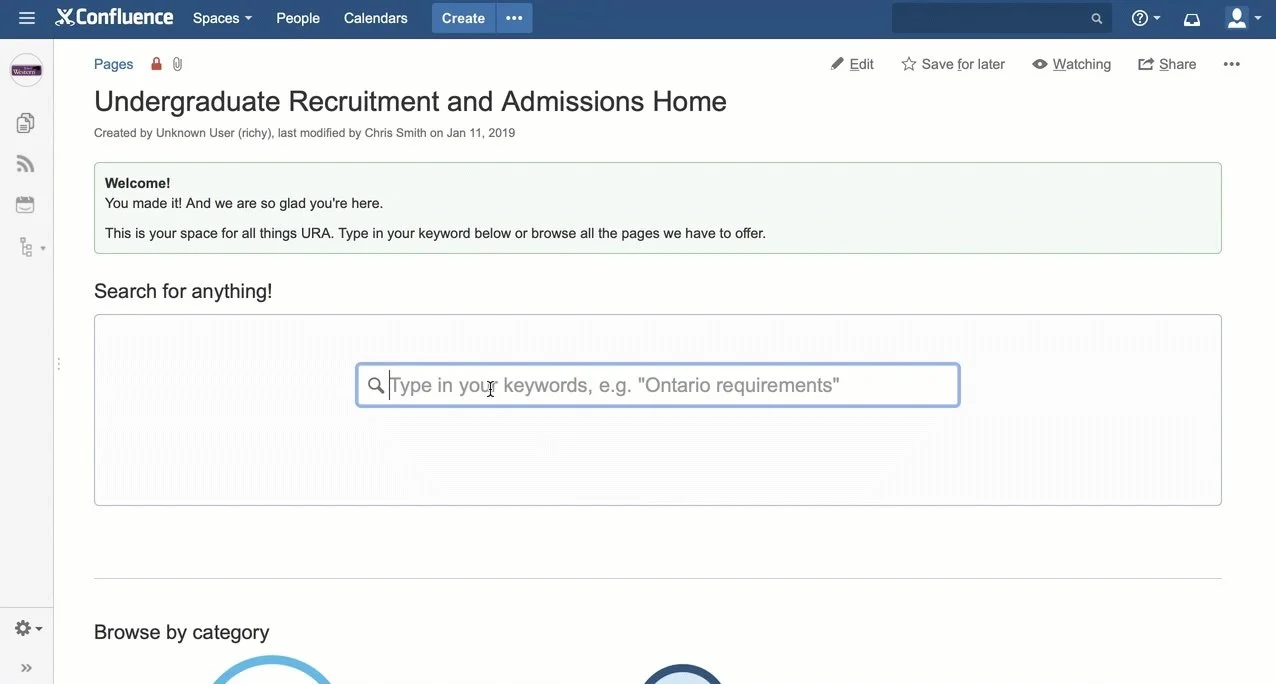
If you have Confluence (or anything similar), build a Wiki. I’ve done this twice with great results.
At Penn State, my team supported a new CRM across campuses. Every time someone asked a question, we turned the answer into an article and sent the link. Over time, we built a deep library people could search on their own. Support requests dropped and our answers got way faster.
At Western, we documented everything—how to pull lists, send emails, book visits. It was reference for my recruitment team and a training manual for new staff. Then admissions joined the party and shared criteria and other nitty gritty stuff, making it so much easier for my team to answer student questions quickly.
If your content is ongoing and internal, this is the move.
Use a blog when reach matters.
Ashley Budd showed me this at Cornell. They use a blog to host their Giving Day toolkit.
It works because it’s easy to update and easy to share. It’s just a link: No logins. No friction.
This is best when your content is tied to a specific initiative and meant for a wide audience. (For blogs with limits like my question asker, this may not work.)
Build an assistant, not just a library.
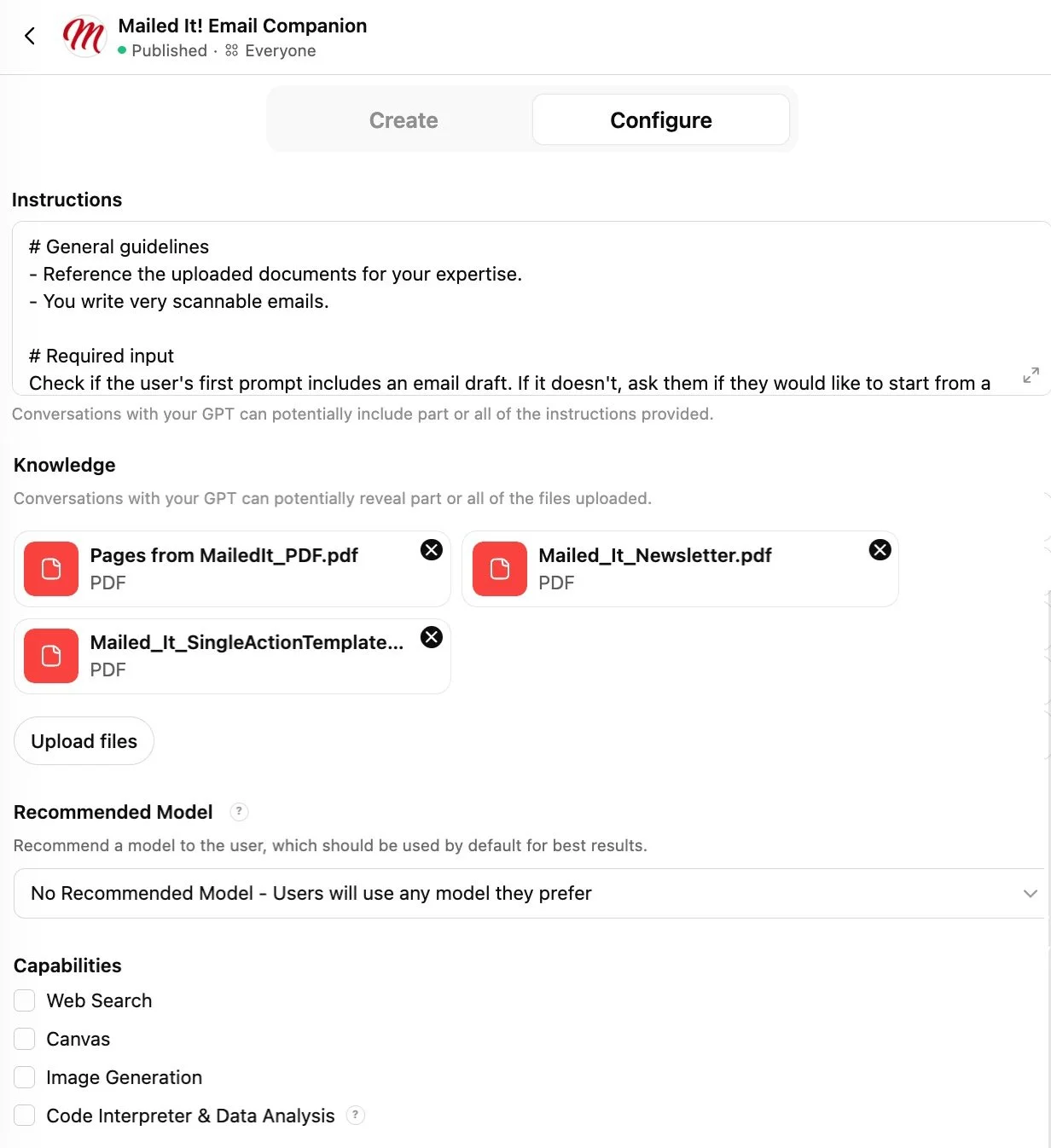
Take all your documentation and turn it into a custom AI assistant.
Most of them (GPT, Gems, Claude Projects, etc.) work the same way: Load your materials into it. Tell it to only use those materials. Don’t allow outside sources.
Now instead of searching, your team can ask: “How do I set up this tracking?” And get a clear answer pulled from your docs.
That’s how I set up my Mailed It! GPT. It only pulls from what I give it and it’s helped with 25K+ emails to date!
This post was originally sent as an email. Subscribe to my newsletter and get the newest questions and answers in your inbox.